
Noir Filters Comparison

Finding the right NoIR filter often requires exploring a wide range of options. Because these filters cross over between low vision and neuro-visual applications, the selection process can feel overwhelming. Colors range from deep ambers and greens to grays and plums, and because each patient's visual system processes light differently, a filter that offers immense relief to one person might not be the right fit for the next.

This tool is designed to help you navigate our most popular NoIR filters for neuro and low vision conditions. It provides a photographic approximation of how each filter alters a real-world scene, giving you a sense of the color cast and light reduction before physical testing begins.

Play Video

Click any tint below to view its full description and spectrophotometry graph, or scroll down to use the interactive tint filters comparison tool.


A quick reminder about screen simulations: While these images are a helpful starting point, they cannot replace a true, in-office filter evaluation. Monitors and devices render color differently, and a digital approximation won't replicate how a specific lens performs under varying lighting conditions in front of your patient's eyes. TBI and low vision patients can be incredibly sensitive to minor differences in light transmission, making hands-on testing essential.
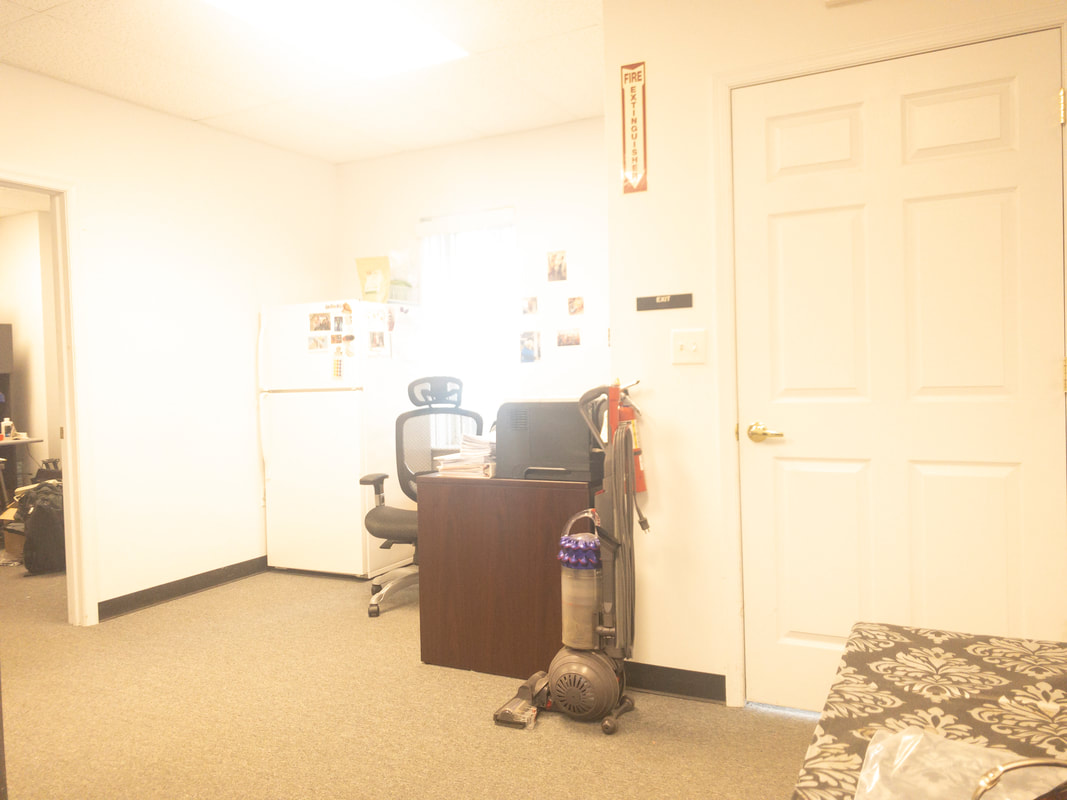
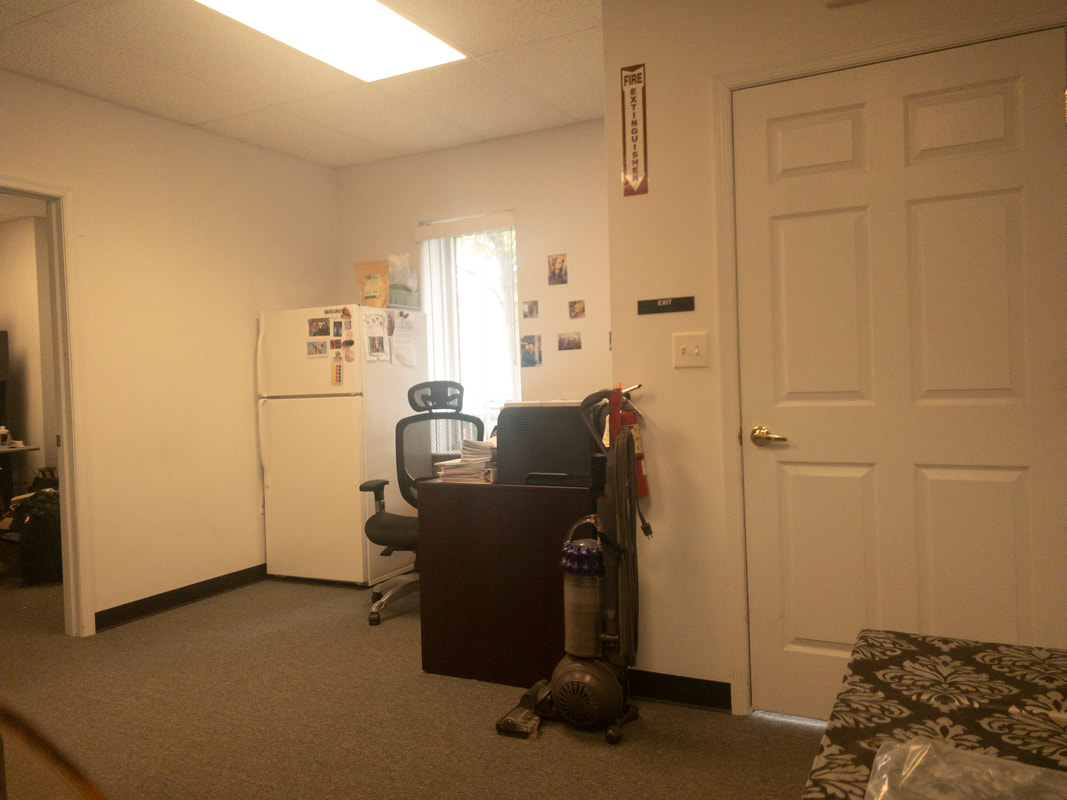
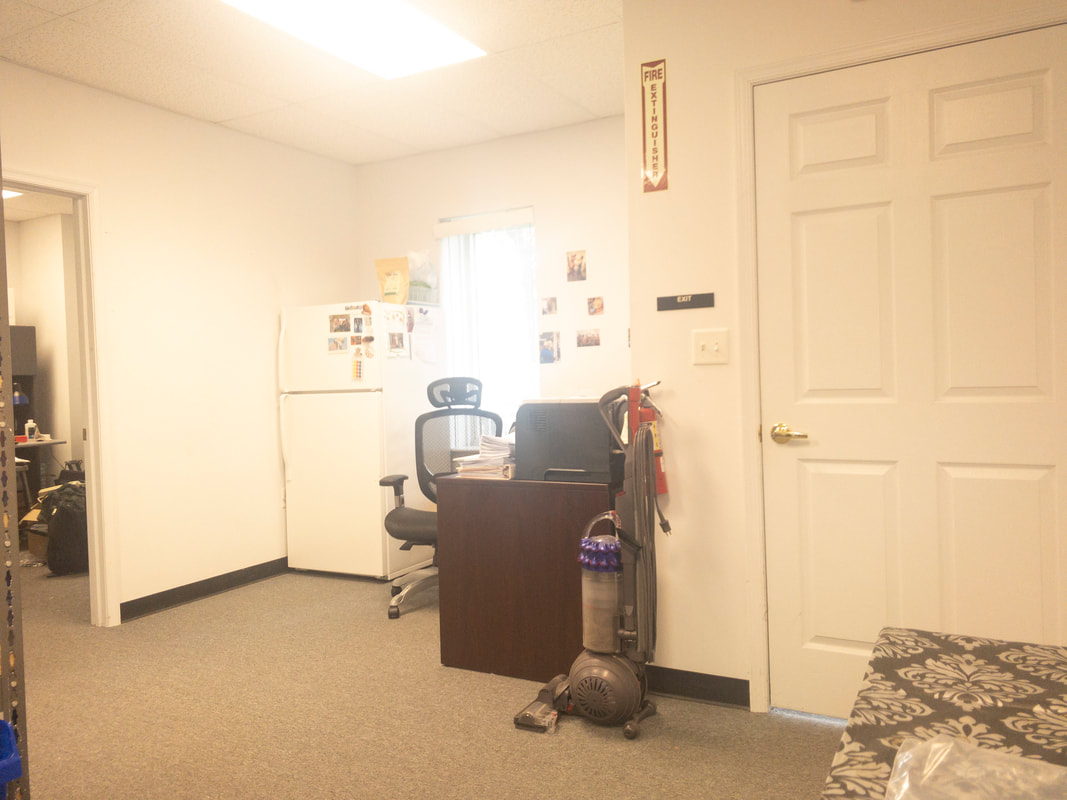
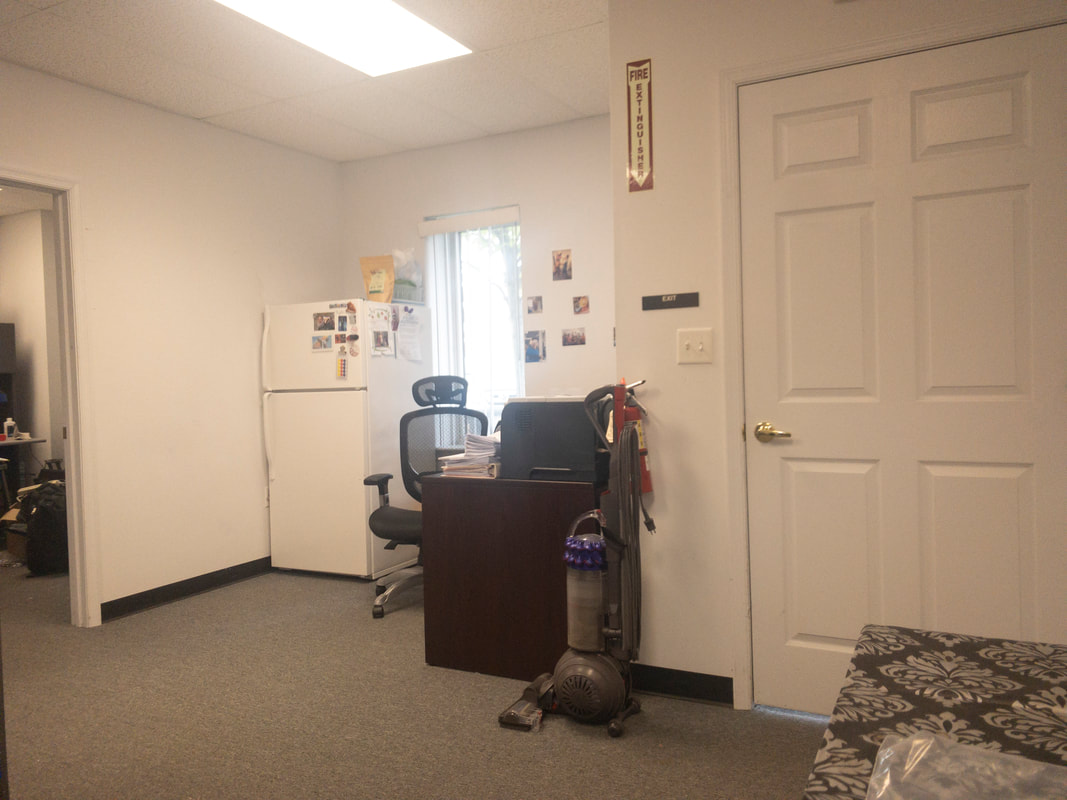
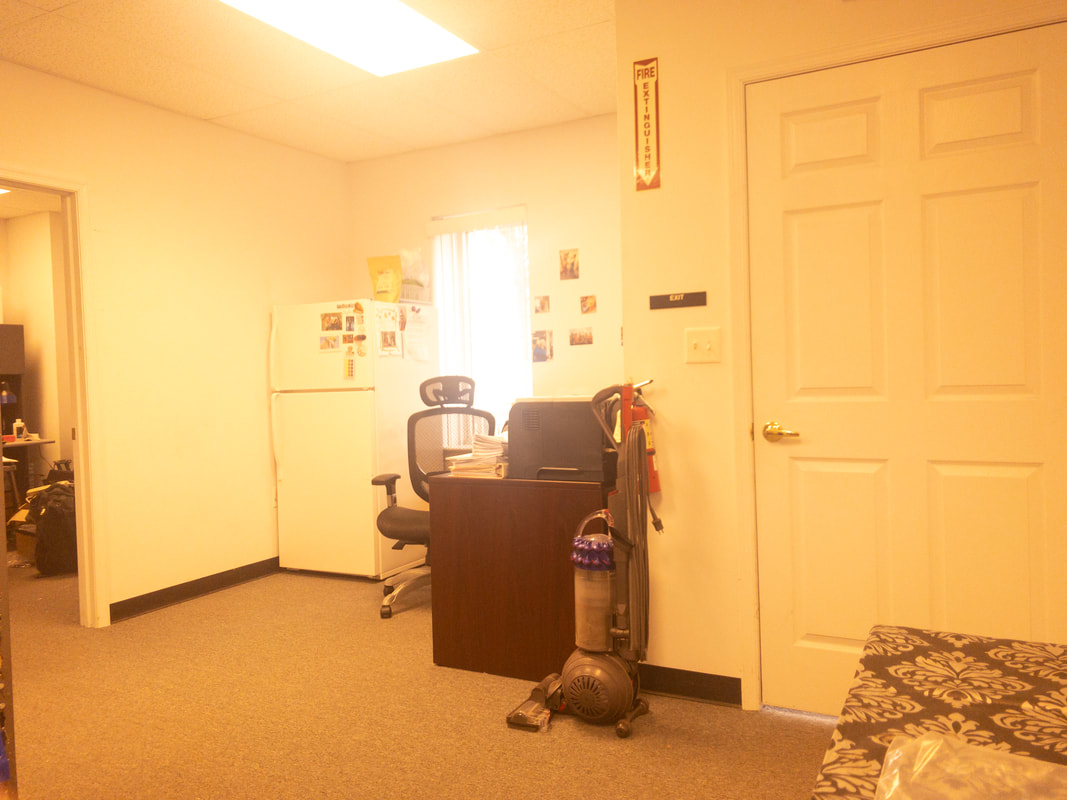
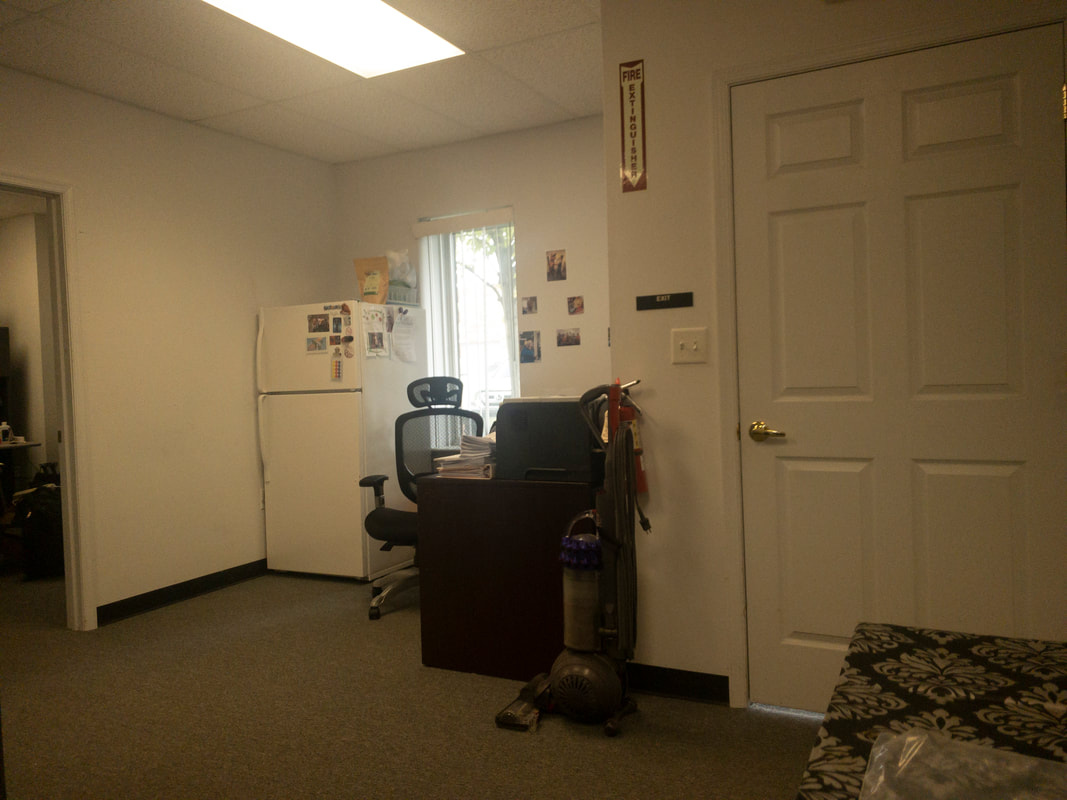
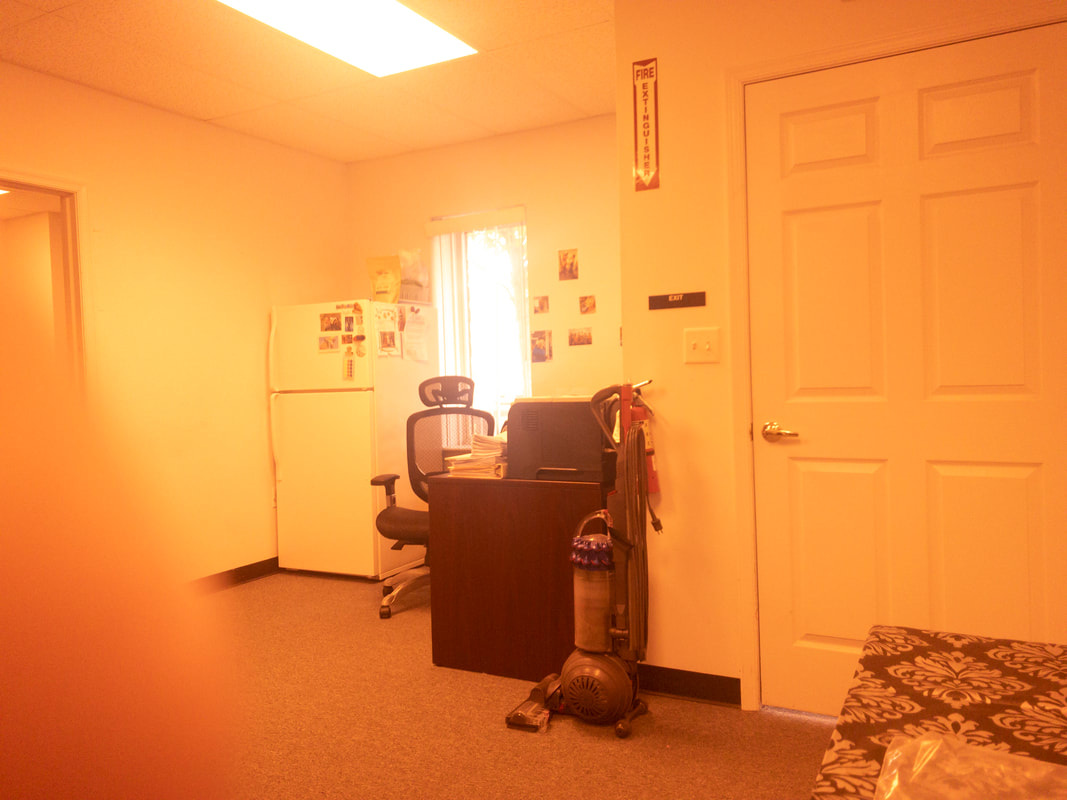
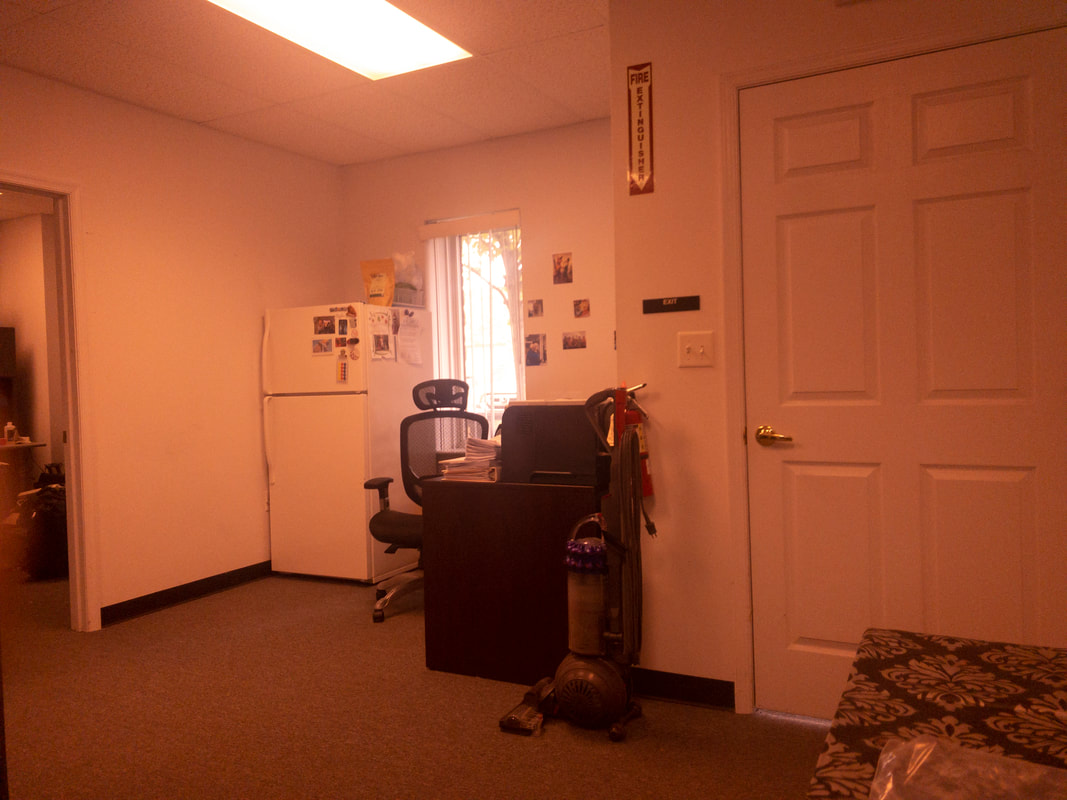
The office room viewed in natural lighting without any tint filter, showing clear, true-to-life colors and details across the room’s furnishings and layout. A view of an office room through the Noir 02 filter, which applies a very light tint, minimally impacting brightness and leaving colors close to natural.
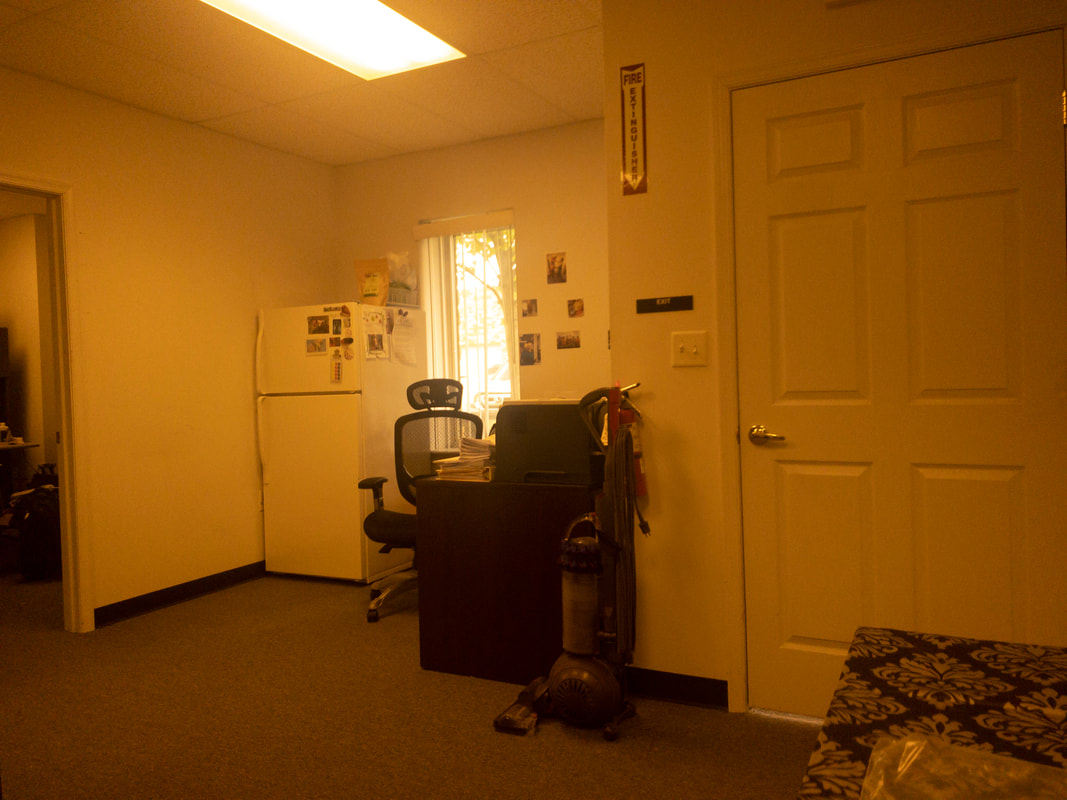
The office room viewed in natural lighting without any tint filter, showing clear, true-to-life colors and details across the room’s furnishings and layout. The office room as seen through a warm, brightening filter applied by Noir 12, casting a slight amber glow across the room and enhancing warmth without obscuring details.
The office room viewed in natural lighting without any tint filter, showing clear, true-to-life colors and details across the room’s furnishings and layout. A view of an office room through the Noir 20 filter, applying a barely noticeable tint that retains the room’s natural color and light balance, with a subtle softening effect.
The office room viewed in natural lighting without any tint filter, showing clear, true-to-life colors and details across the room’s furnishings and layout. An office room under the Noir 21 filter, showing a very faint brown tint that barely affects the room’s natural lighting and detail, offering a minimal contrast adjustment.
The office room viewed in natural lighting without any tint filter, showing clear, true-to-life colors and details across the room’s furnishings and layout. A view of an office room seen through the Noir 33 filter, presenting a soft, light amber tint that minimally alters lighting, maintaining good visibility and detail clarity.
The office room viewed in natural lighting without any tint filter, showing clear, true-to-life colors and details across the room’s furnishings and layout. n office room viewed with the Noir 41 filter, creating a light brown tint that gently dims the lighting and slightly warms the room’s appearance.
The office room viewed in natural lighting without any tint filter, showing clear, true-to-life colors and details across the room’s furnishings and layout. A view of an office room through the Noir 42 filter, displaying a very light amber tint that subtly warms the scene while preserving much of the room’s natural lighting and detail.
The office room viewed in natural lighting without any tint filter, showing clear, true-to-life colors and details across the room’s furnishings and layout. A view of an office room under the Noir 44 filter, featuring a light tan tint that minimally affects brightness and contrast, providing a soft, warm effect across the image.
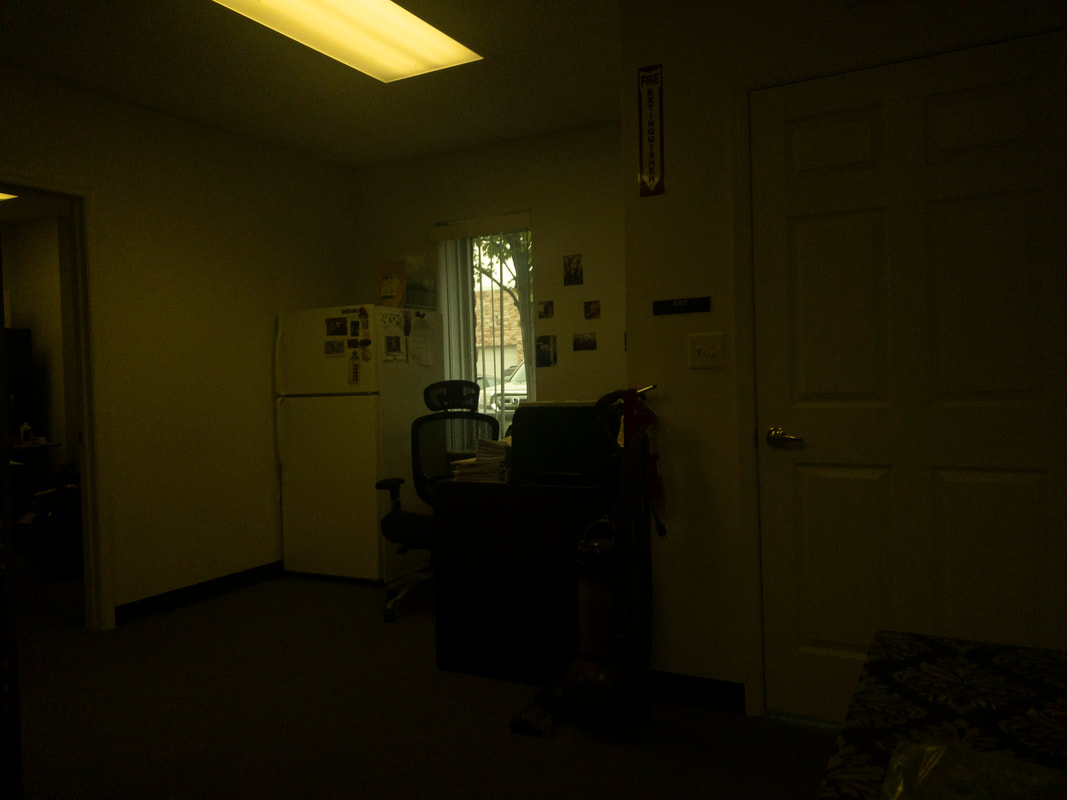
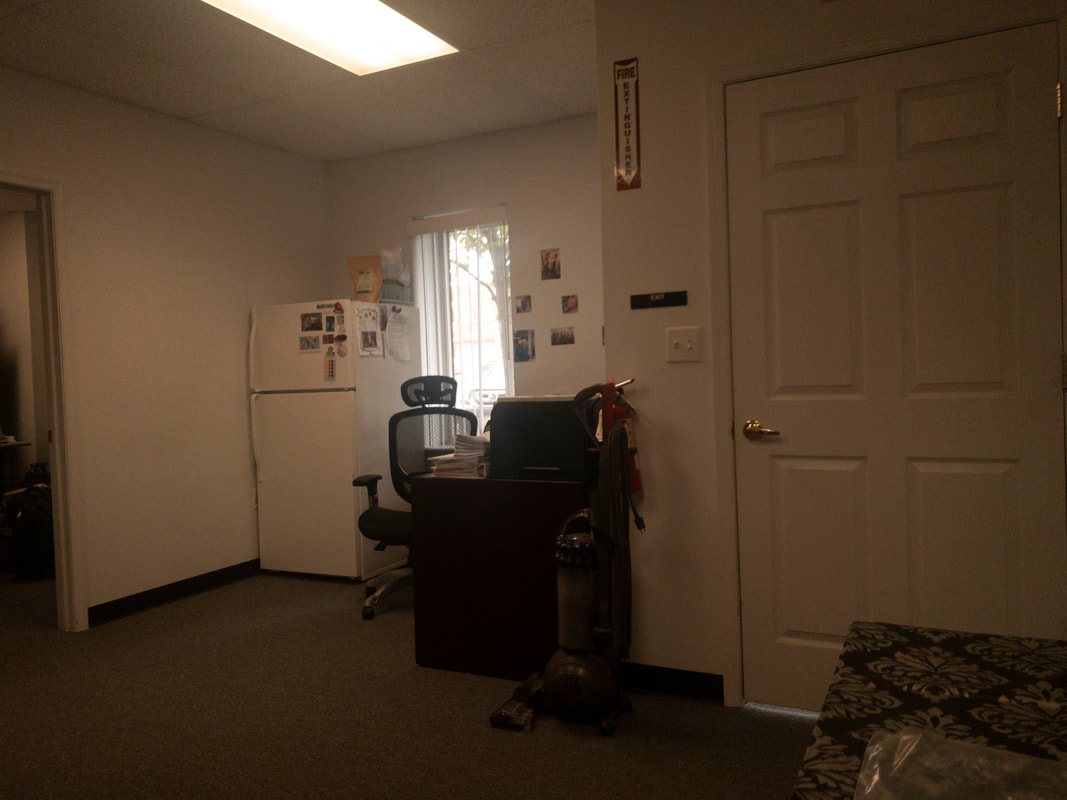
The office room viewed in natural lighting without any tint filter, showing clear, true-to-life colors and details across the room’s furnishings and layout. A view of an office room under a very dark tint, applied by the Noir 47 filter, resulting in a dimmed view that heavily reduces visibility and details in the room.
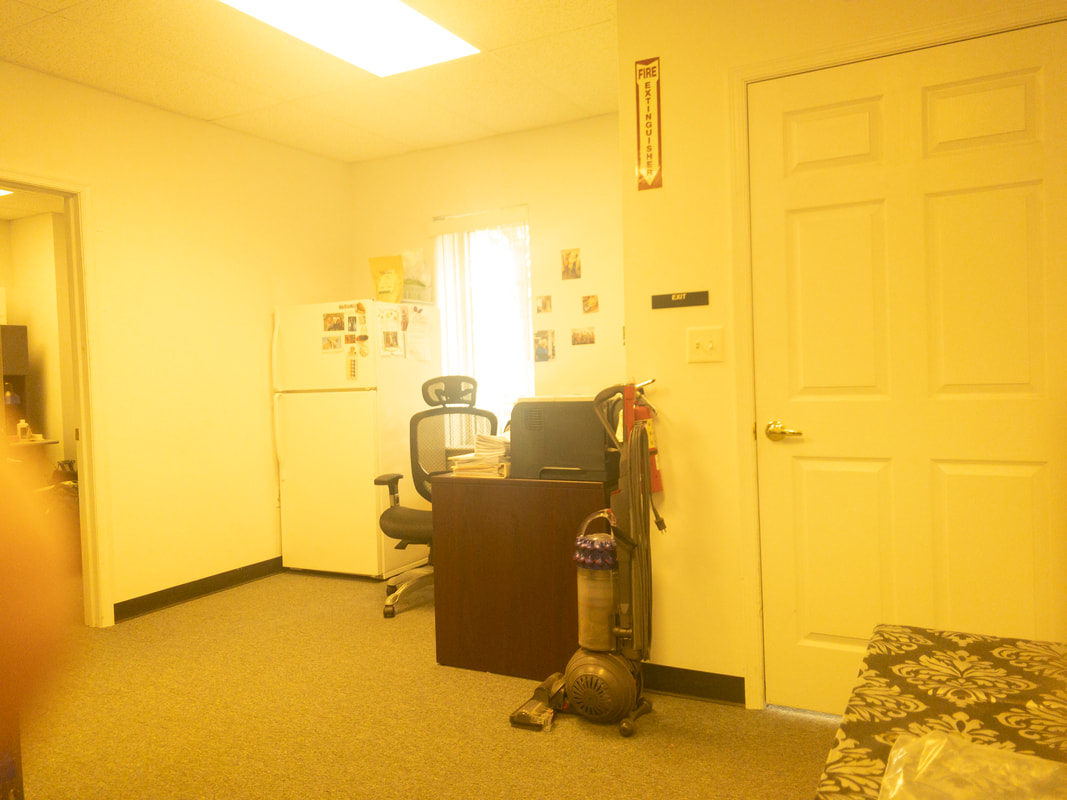
The office room viewed in natural lighting without any tint filter, showing clear, true-to-life colors and details across the room’s furnishings and layout. Office room viewed with the Noir 48 tint, displaying a pale yellow filter effect, which adds a faint yellowish tone to the room’s colors, providing a soft enhancement to the light without intense color change.
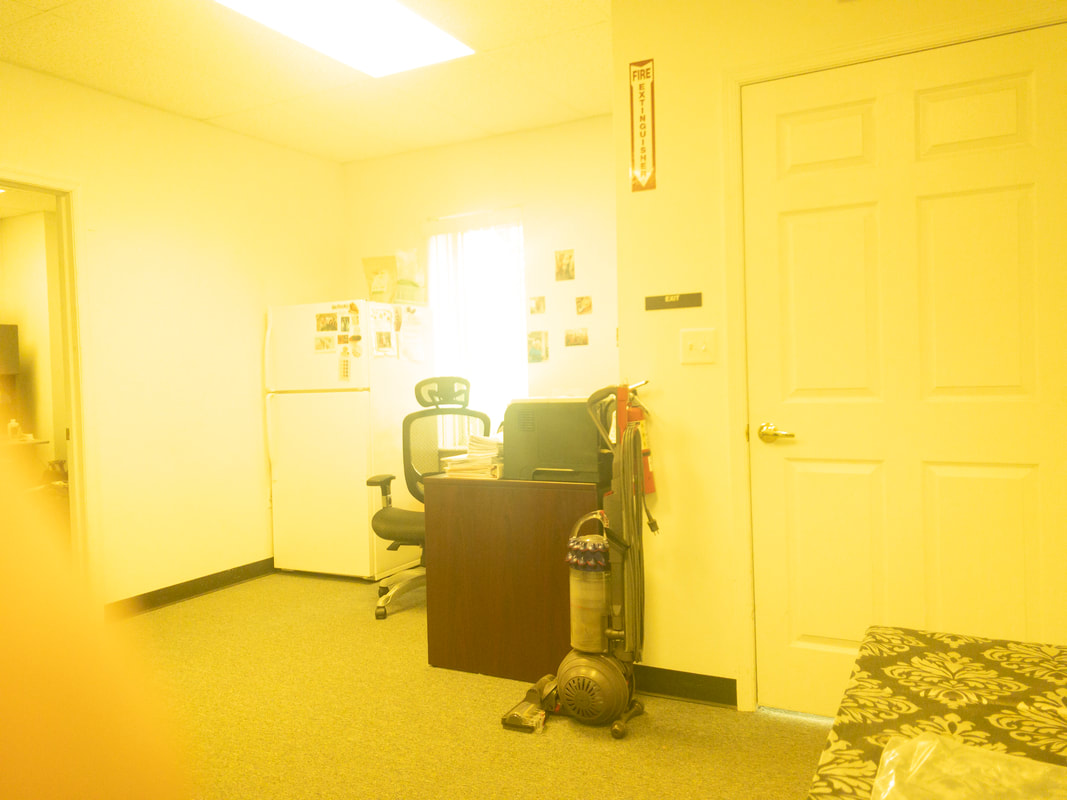
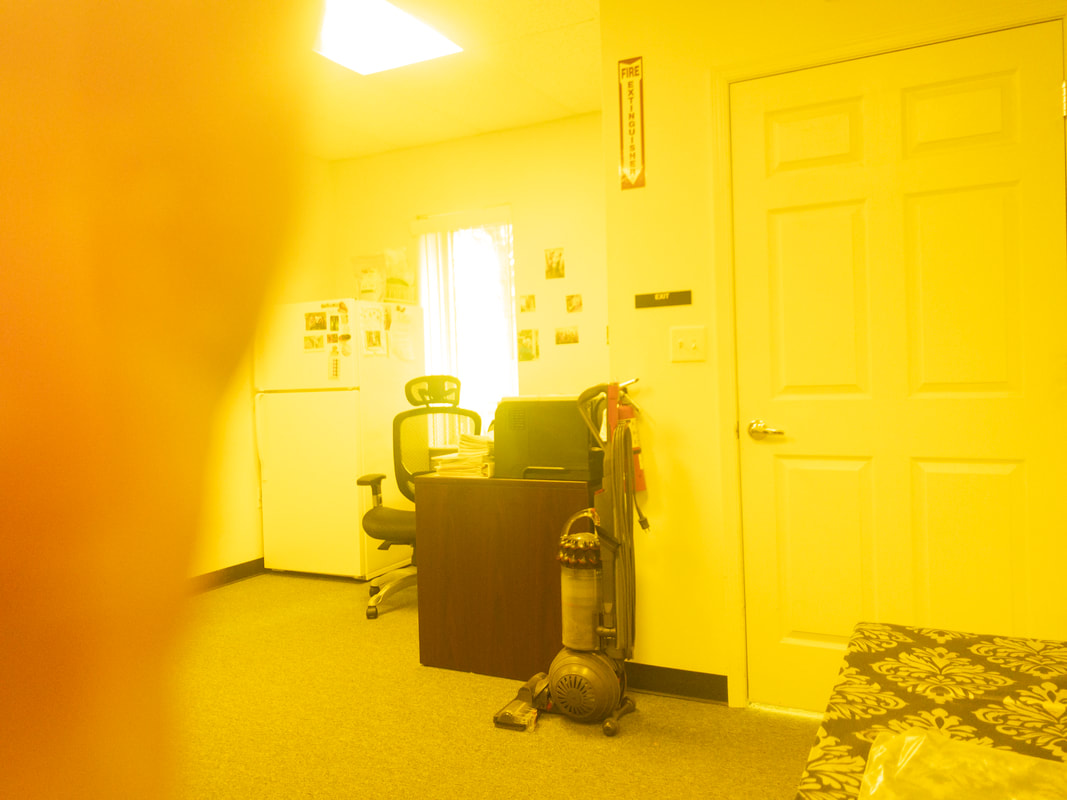
The office room viewed in natural lighting without any tint filter, showing clear, true-to-life colors and details across the room’s furnishings and layout. An office interior under the Noir 58 tint, with a bright yellow filter that saturates the room in a yellow glow, affecting all visible items, including walls, door, and desk, with high brightness.
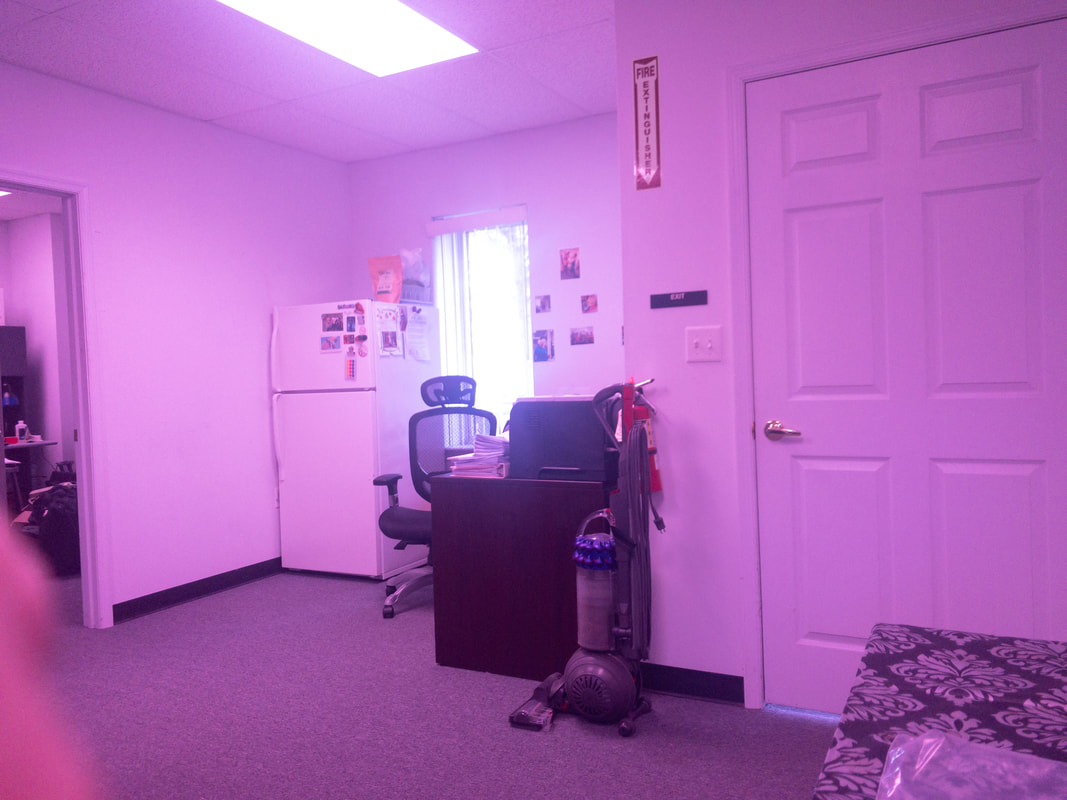
The office room viewed in natural lighting without any tint filter, showing clear, true-to-life colors and details across the room’s furnishings and layout. Office room as viewed with the Noir 72 tint, presenting a pinkish hue that slightly softens the colors, giving the space a subtle magenta tone, while maintaining visibility of the furniture.
The office room viewed in natural lighting without any tint filter, showing clear, true-to-life colors and details across the room’s furnishings and layout. An office room seen through the Noir 81 tint, producing a reddish-brown filter effect over the scene, slightly muting colors and adding a warm overlay to the objects and furniture.
The office room viewed in natural lighting without any tint filter, showing clear, true-to-life colors and details across the room’s furnishings and layout. A view of an office room under a yellow tint, applied by the Noir 465 filter, creating a warm and intense yellow hue across the image, affecting the visibility of furniture and room details.

If you want to put actual filters in front of your patient's eyes, our Tint Selection Kits are built for exactly that.

The Low Vision Tint Selection Kit focuses on color and contrast enhancement, while the TBI Tint Selection Kit is stocked with tints chosen for light sensitivity, glare, and the visual discomfort that often follows a concussion or brain injury. Both let you show a patient several options side by side, so instead of guessing your way through a consultation, you can watch which tint actually brings relief and go from there.

They replace our original Flipper Kits, built from the same clinical feedback but organized to cut chair time and take the guesswork out of tint selection. And if you're working through a tough case and not sure where to start, give us a call.

Play Video

Tint Selection Kits

Have your patients see the difference before they commit to it. With the Low Vision and TBI Tint Selection Kits, you hold each tinted flipper right over your patient's eyes and watch how they respond in real time, so the shade you land on is the one that actually helps. Order a kit today and make tint selection a moment your patients can see for themselves.